
Manuals - Plugin activation
Manual - setting up Packeta (pickup points) in Shoptet
How do you make Packeta and its pickup points appear in the basket of your Shoptet e-shop? This manual takes you through it step by step.
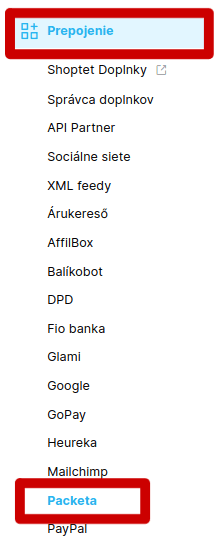
In your e-shop administration go to Prepojenie – Packeta:
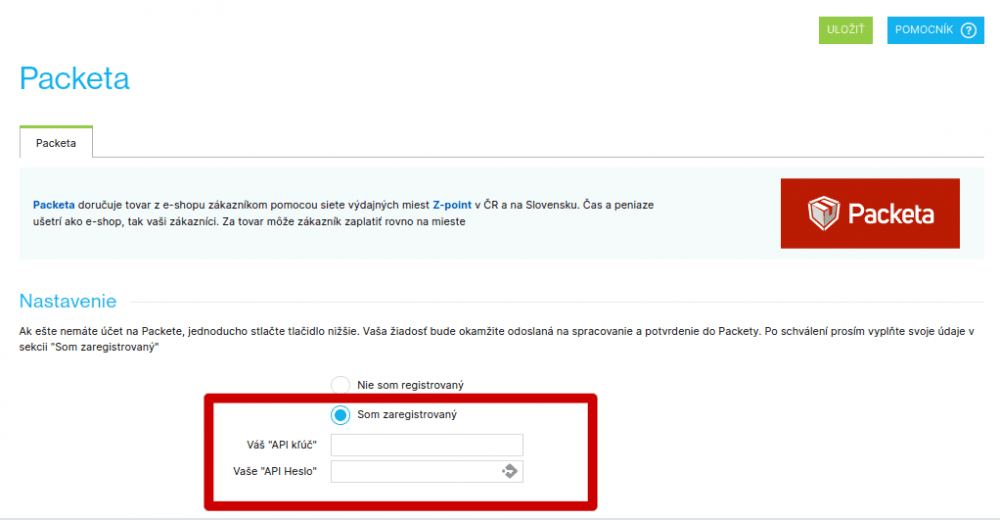
Tick the „Som zaregistrovaný“ (I am registered) option and enter the API keys we will send you on request:
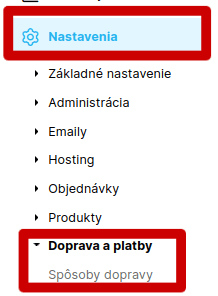
Then go to Nastavenia – Doprava a platby – Spôsoby dopravy in the menu:
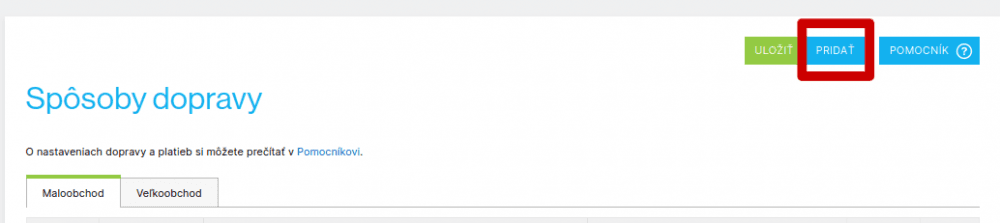
Add a new shipping method:
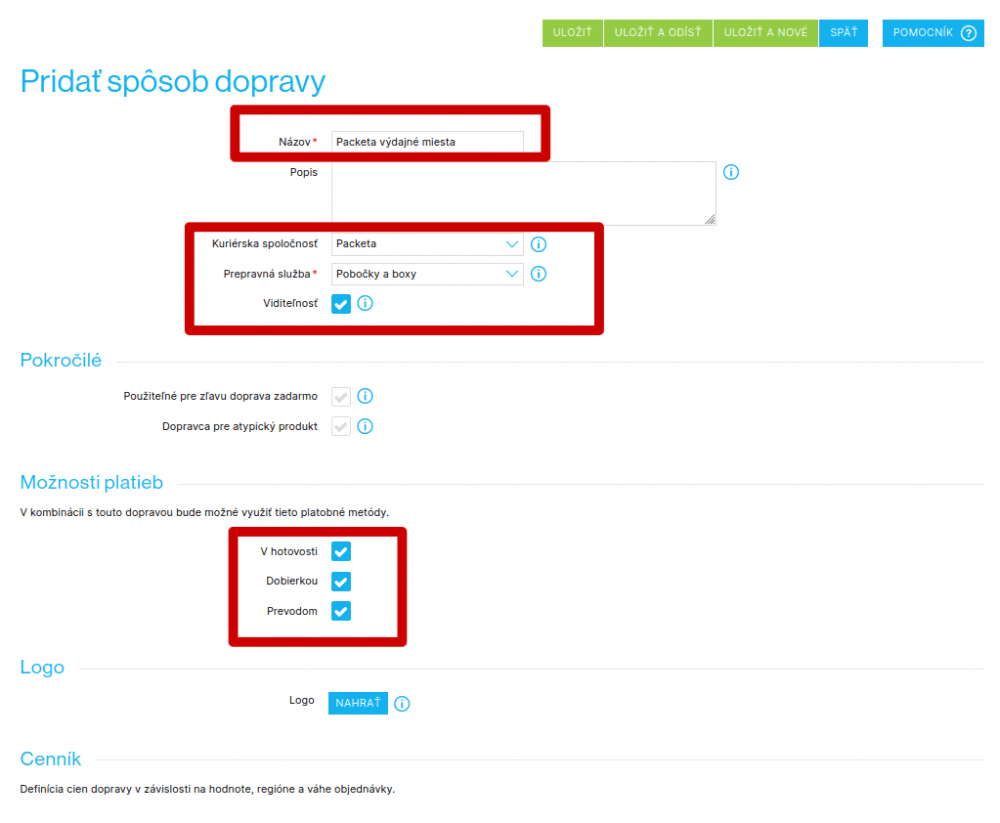
Fill in these fields:
- 1Názov: name Packeta the way you want it to appear in the basket.
- 2Kuriérska spoločnosť: choose „Packeta“.
- 3Prepravná služba: choose „Pobočky a boxy“.
- 4Tick the visibility option.
- 5Možnosti platieb: tick the options you offer or want to offer your customers.
- 6Save.
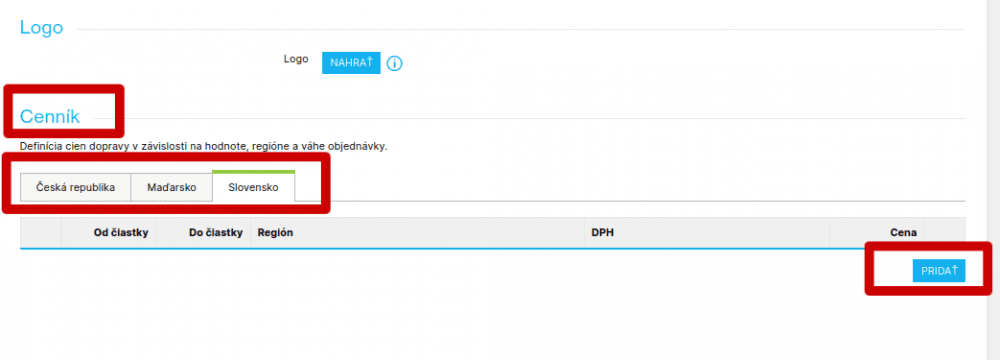
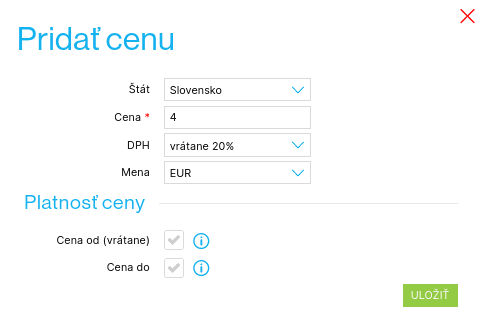
Once you have saved it all, click your newly created shipping method again — a Cenník (price list) now appears at the bottom. Here you set the shipping price that will be shown for Packeta in the basket. Click „Uložiť a odísť“:
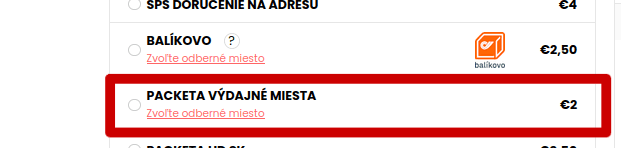
The shipping options now include „Packeta výdajné miesta“:
For the Neoship – Shoptet connection to work and for incoming orders to be imported into Neoship correctly, you also need to adjust the settings in Neoship – in the Konektor:
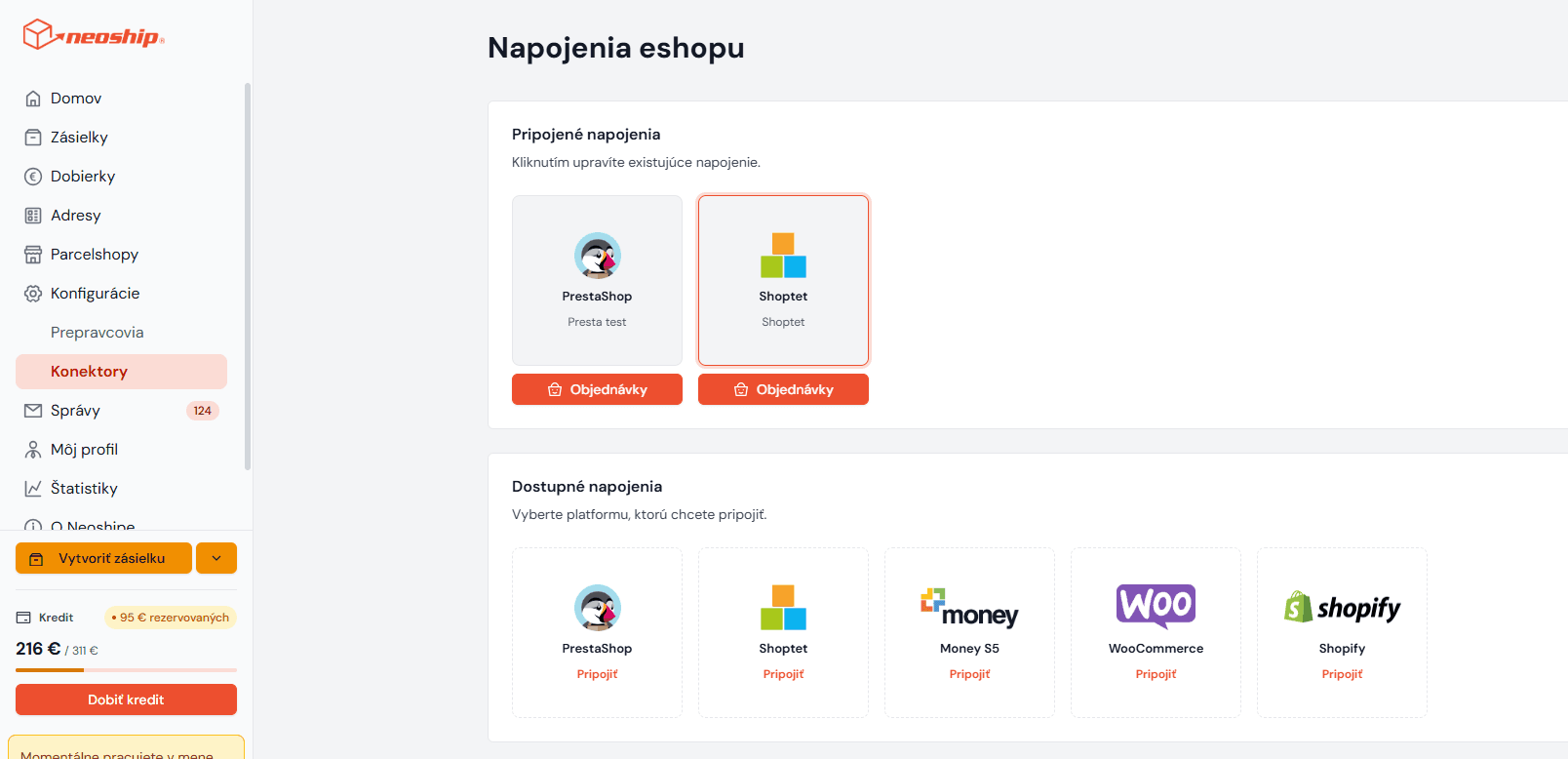
Click „pridať mapovanie“. An empty row opens. From the options on the left choose Packeta. From the options on the right choose the shipping method you have set up, in our case „Packeta výdajné miesta“, and save:
