Invoicing systems
Bulk data export from POHODA to Neoship
An automated, tailor-made dispatch solution is ready for POHODA users. There is also the option of exporting data from POHODA in XML format.
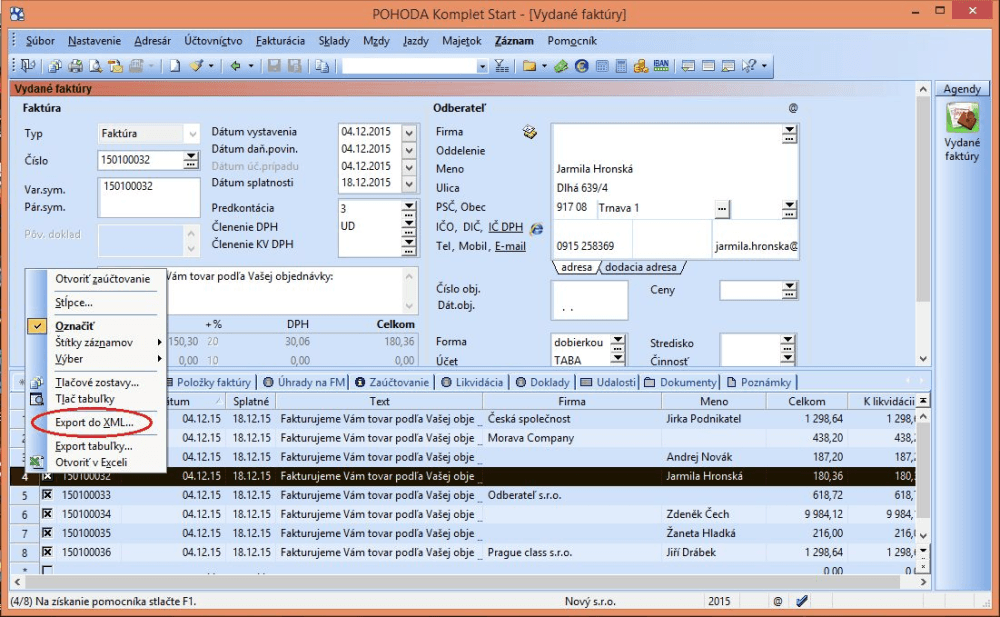
1. In the invoicing part, in the issued invoices agenda, select the invoices to be dispatched and display them under „moje označené“ (my selected).
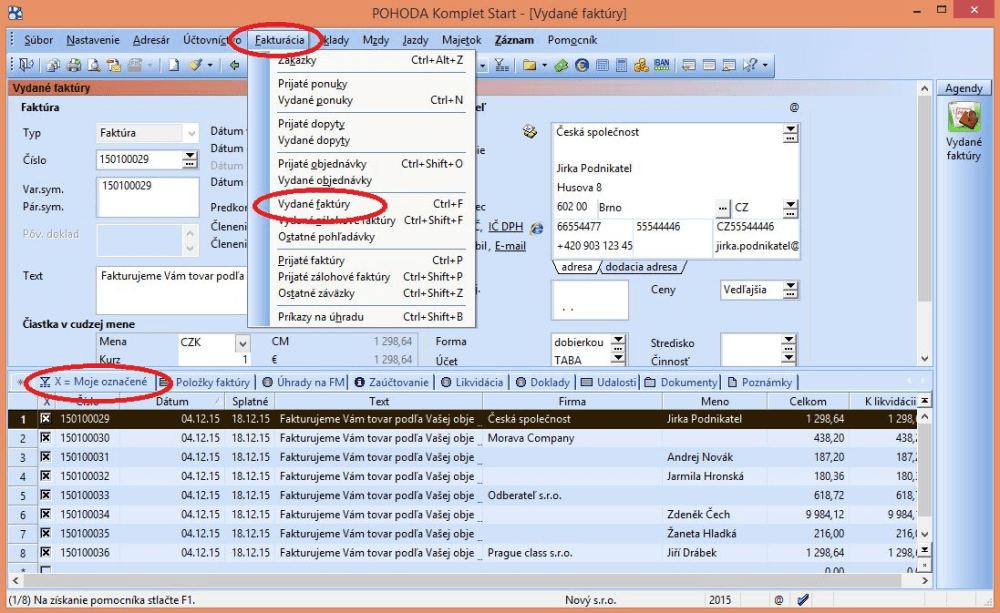
2. Right-click to open the dialogue window – choose „export do XML“, pick a folder and give the file a name.
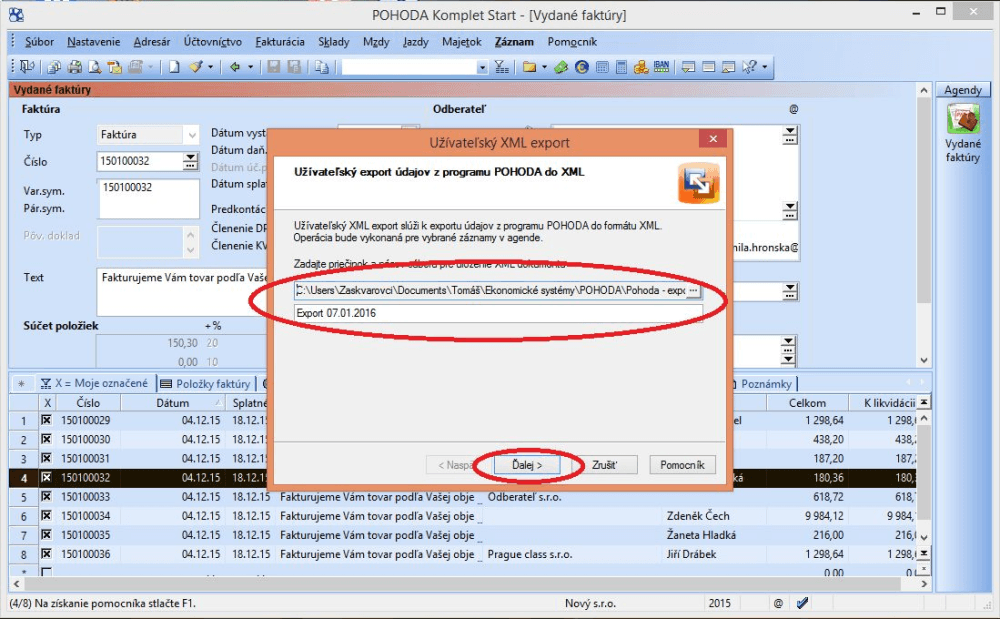
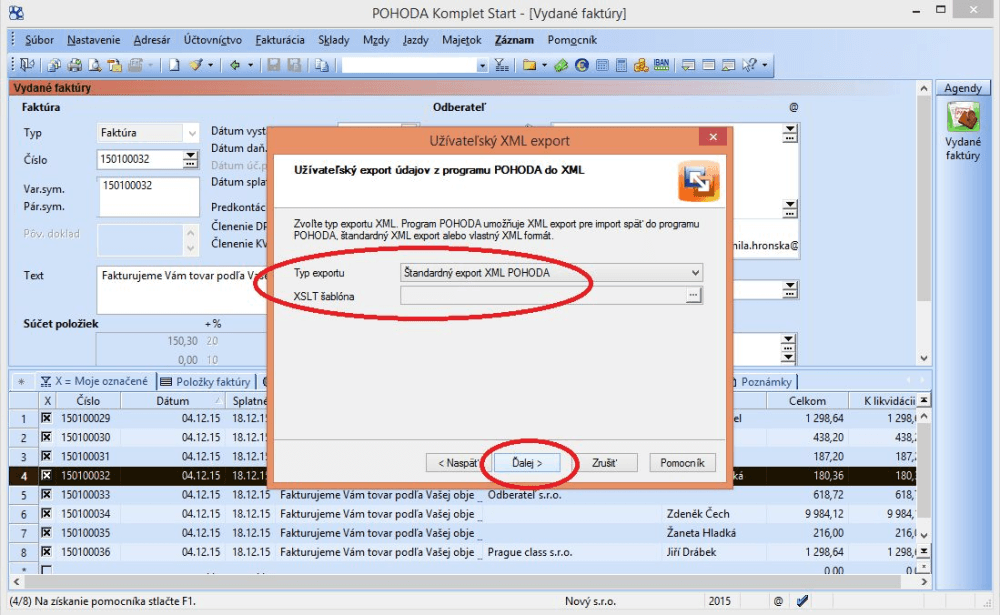
3. In the next step a window appears in which the export type has to be set to „Štandardný export XML POHODA“, and then you continue.
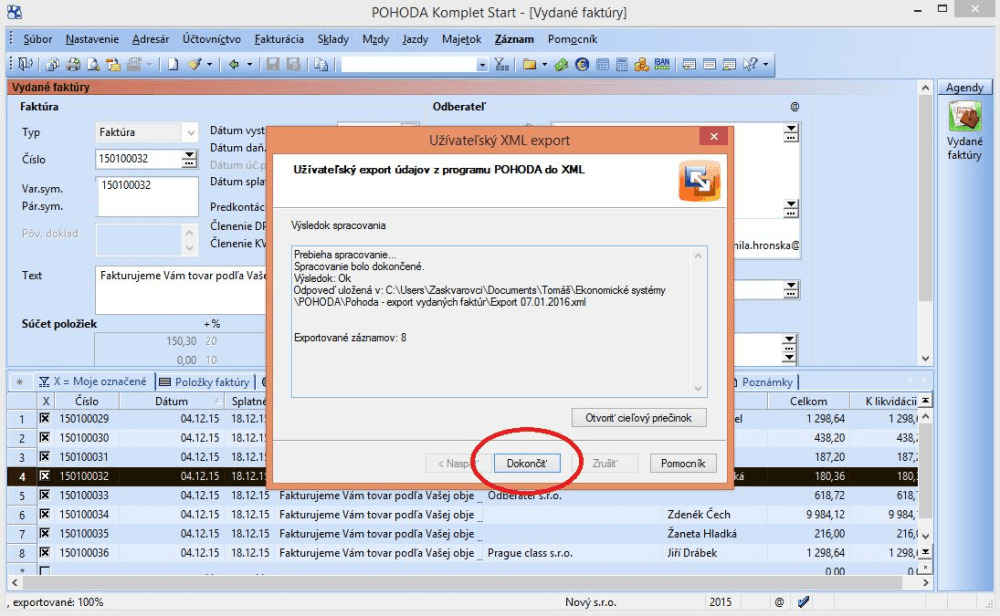
4. In this step you only confirm with the „Dokončiť“ (Finish) button.
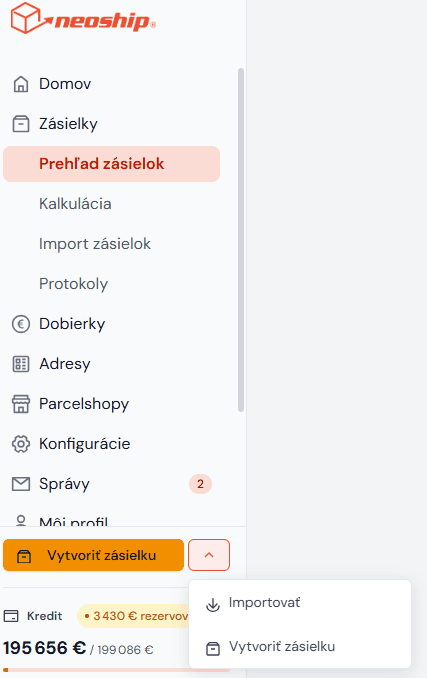
5. The downloaded XML file is then very easy to upload to Neoship. In the left bar, click the arrow button and choose the import option.
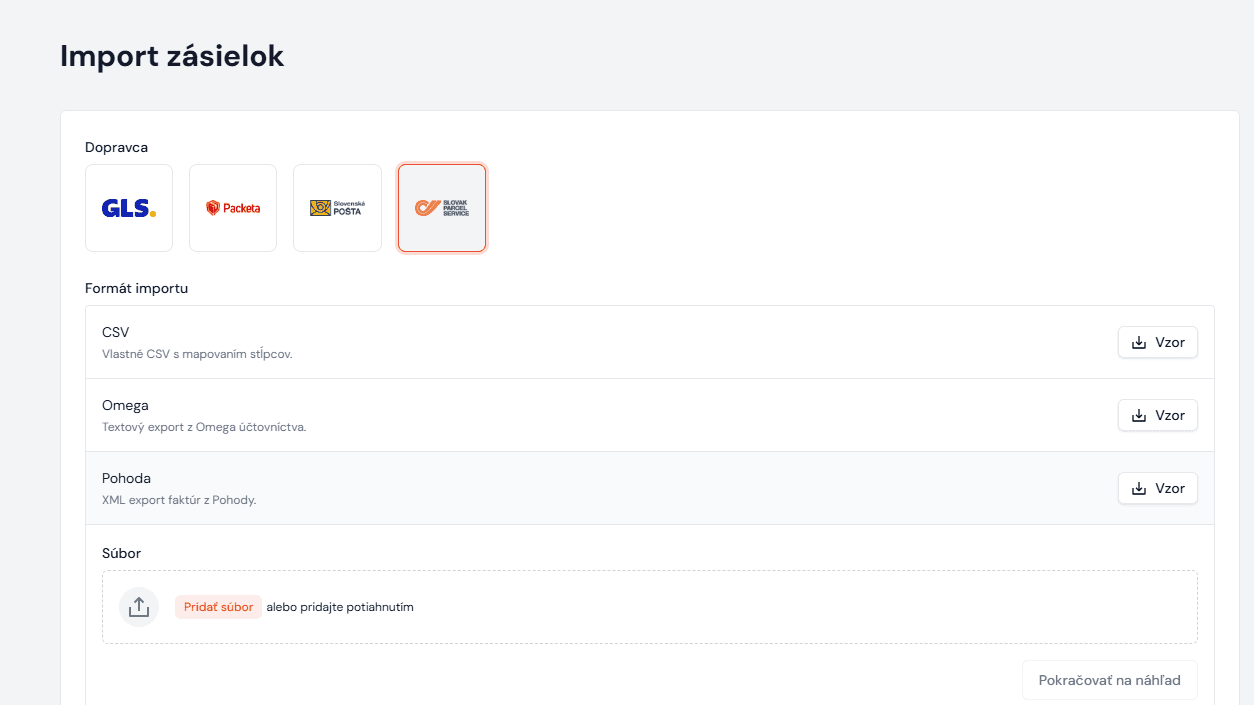
6. Choose the carrier you want to create the parcels with.
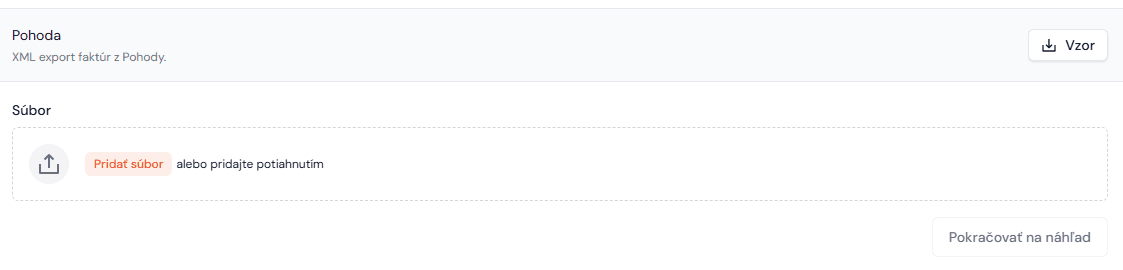
7. Select the file you exported from Pohoda.
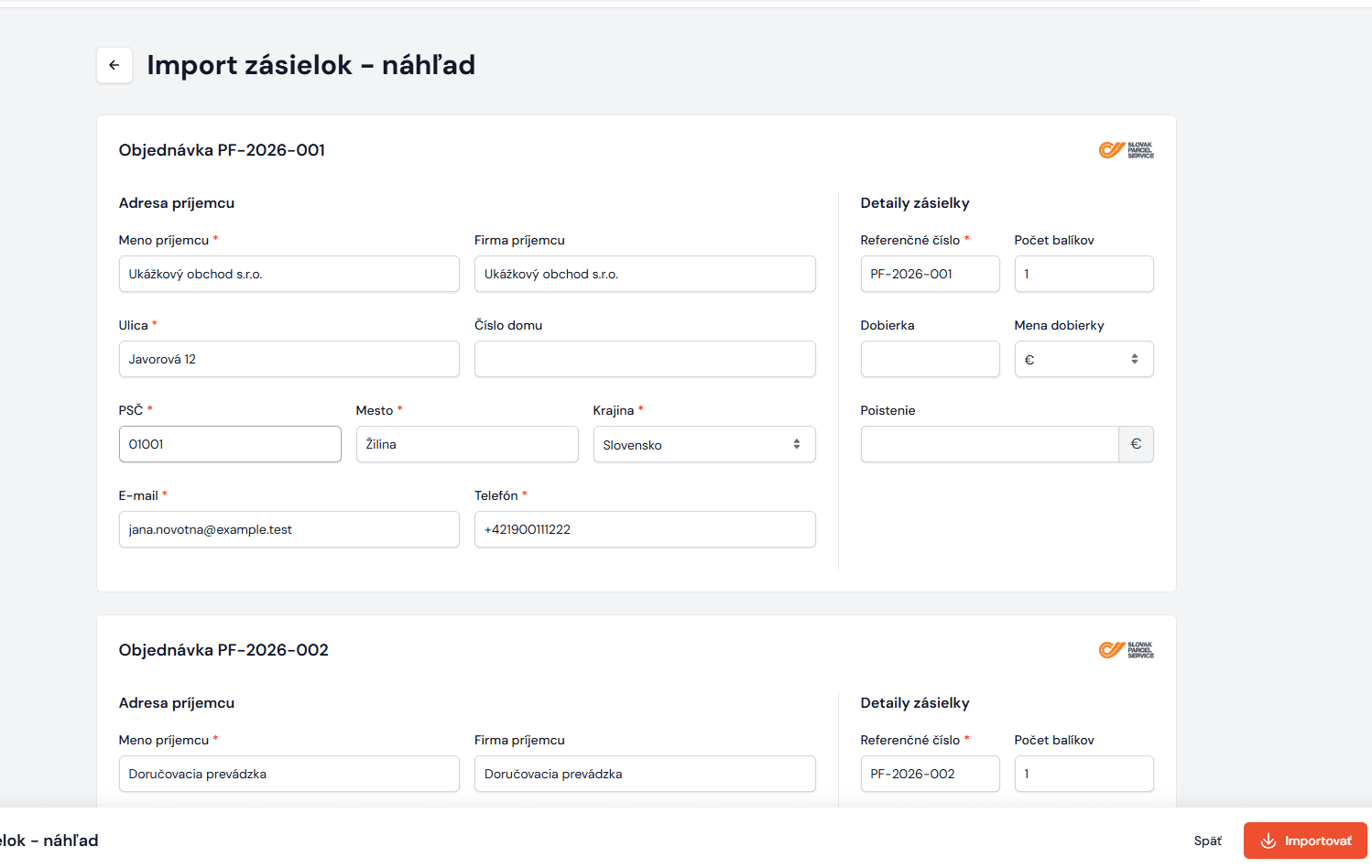
8. The data is uploaded into Neoship. At this point you can check it, edit it or add to it and then import it.
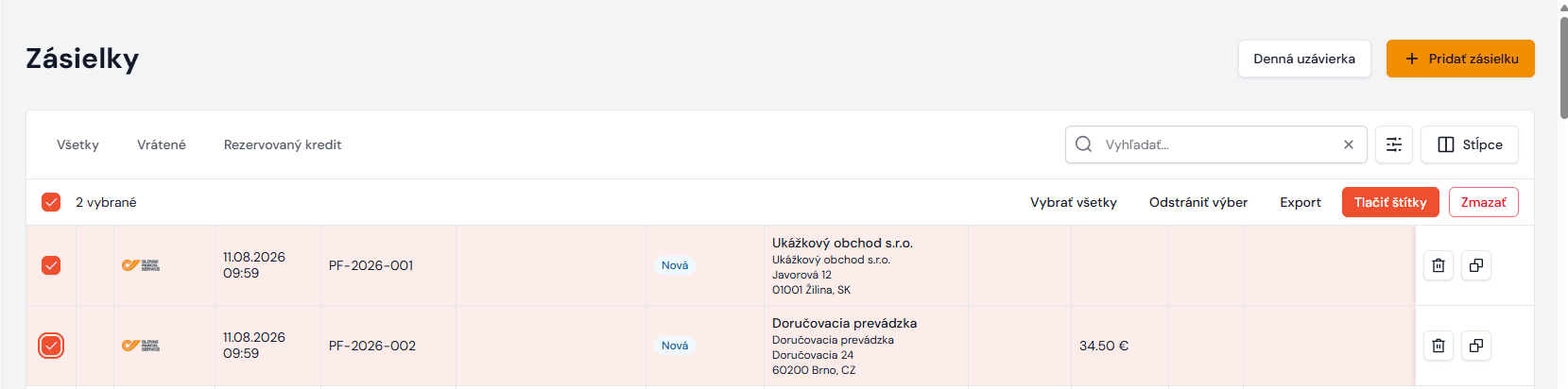
9. In the parcel list, select them and generate the shipping labels.